How NFC Google Review Cards Work
Share
If you run a restaurant, a bar, a hotel or a salon, you already know that Google reviews help new customers choose you. The hard part is getting happy guests to actually write one. An NFC review card removes most of the friction: the guest touches their phone to the card and your Google review page opens on the screen.
What is an NFC card?
NFC stands for Near Field Communication. It is the same short-range technology used for contactless payments and some transport passes. An NFC card or tag contains a very small chip and an antenna. It needs no battery and no charging, because it is powered for a moment by the phone that touches it.
What happens when a customer taps
- The guest holds the back of a recent smartphone close to the card.
- The phone reads the link stored on the chip.
- The link opens, usually your Google review page, so the guest can choose the stars and write a few words.
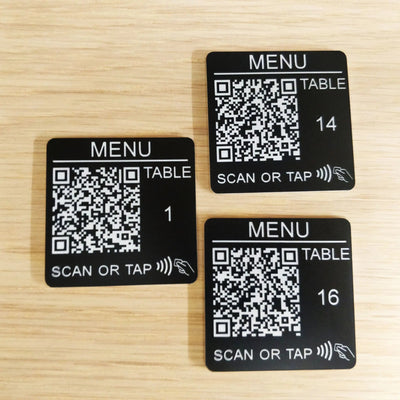
There is no app to download and no account to create. Most recent iPhone and Android phones can read NFC tags, and many cards also carry a printed QR code as a second way in.
What you can store on the card
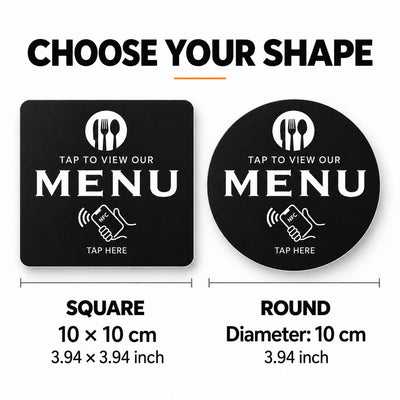
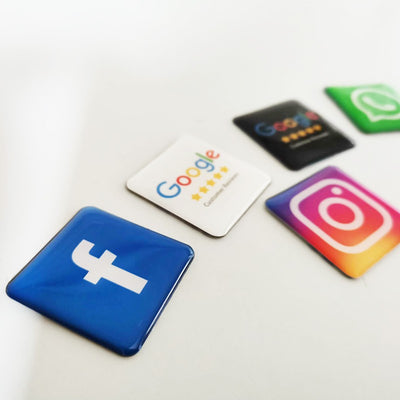
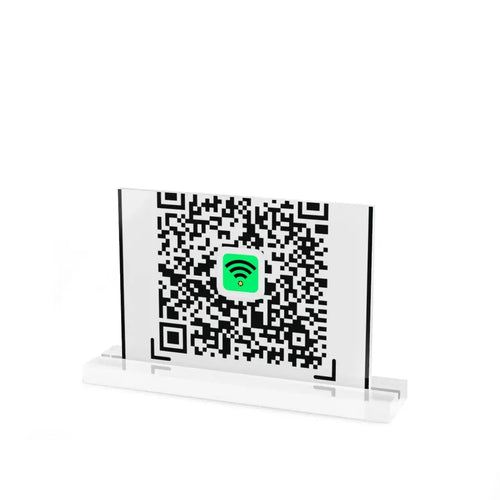
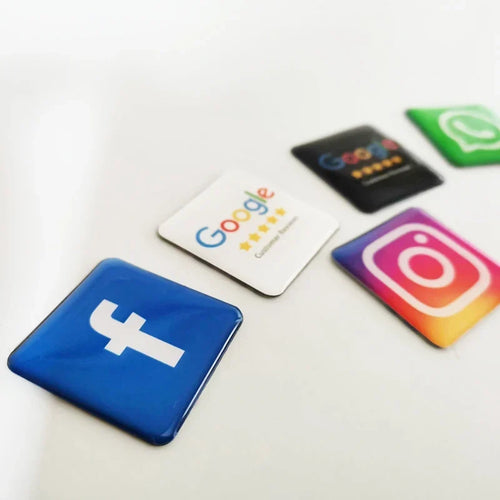
The chip holds a web address. Most venues use it for the Google review link, but the same card can point to your Instagram page, your menu, your WhatsApp chat or your WiFi page. Reprogrammable cards let you change the link later without buying a new card.
How to set one up
- Find your Google review link from your Business Profile.
- Write it to the card with a free NFC writing app on your phone.
- Test it with two or three different phones.
- Place the card where guests naturally pause: at the till, on the table or at reception.
Tips for better results
- Ask in person. A short sentence from your staff, such as "If you enjoyed it, a tap on this card takes ten seconds", works better than a card left alone.
- Add a small sign next to the card that says what to do.
- Choose a durable, waterproof card if it will sit on tables.
Frequently asked questions
Does the customer need an app?
No. The phone reads the card with its built-in NFC reader.
Does the card need a battery?
No. It is powered by the phone during the tap.
Can I change the link later?
Yes, if the card is reprogrammable.
Ready to start?
Browse our NFC cards for Google reviews. Every order ships with tracking, and the cost and delivery time are shown at checkout. See the shipping and returns page for details.